Get the “Cinematic Look” In Just 3
Days With The Standout Social System

Content Creators: Get the “Cinematic Look” In Just 15 Minutes With The Standout Social System
A beginner friendly fast-track showing you how to create cinematic content that gets views, likes, and followers - without needing expensive gear or hours of tedious editing
A beginner friendly fast-track showing you how to create cinematic content that gets views, likes, and followers - without the need for expensive gear
Backed by our Standout Guarantee - if you’re not pleased,
within 30 days message us and we’ll return every penny.
Content Creators: Get the “Cinematic Look” In Just 15 Minutes With The Standout Social System
Get the “Cinematic Look”
In Just 3 Days With The
Standout Social System
A beginner friendly fast-track showing you how to create cinematic content that gets views, likes, and followers - without the need for expensive gear
A beginner friendly fast-track showing you how to create cinematic content that gets views, likes, and followers - without needing expensive gear or hours of tedious editing
Backed by our Standout Guarantee - if you’re not pleased,
within 30 days message us and we’ll return every penny.
To Get The "Cinematic Look" Most Creators
Think They Only Have Two Options
To Get The "Cinematic Look" Most Creators Think They Only Have Two Options
Work With What You’ve Got:
Struggle to bring the vision in your head to life
Blow countless hours creating content
End up with flat, lifeless videos
Watch creators you admire from the sidelines
Or Figure It All Out Yourself:
Spend $3k+ on gear just to get started
Tediously edit content for hours on end
Hope you have a “creative eye” to make it work
Waste hours on confusing YouTube tutorials
But what if I told you there was another way…
Work With What You’ve Got:
Struggle to bring the vision in your head to life
Settle for flat, lifeless videos
Watch creators you admire from the sidelines
Or Figure It All Out Yourself:
Spend $3k+ on gear just to get started
Hope you have a “creative eye” to make it work
Waste hours on confusing YouTube tutorials
But what if I told you there was another way…
To Get The "Cinematic Look" Most Creators
Think They Only Have Two Options
In Order To Get The "Cinematic Look" Most Creators Think They Only Have Two Options
Work With What You’ve Got:
Struggle to bring the vision in your head to life
Settle for flat, lifeless videos
Watch creators you admire from the sidelines
Or Figure It All Out Yourself:
Spend $3k+ on gear just to get started
Hope you have a “creative eye” to make it work
Waste hours on confusing YouTube tutorials
But what if I told you there was another way…
Work With What You’ve Got:
Struggle to bring the vision in your head to life
Blow countless hours creating content
End up with flat, lifeless videos
Watch creators you admire from the sidelines
Or Figure It All Out Yourself:
Spend $3k+ on gear just to get started
Tediously edit content for hours on end
Hope you have a “creative eye” to make it work
Waste hours on confusing YouTube tutorials
But what if I told you there was another way…
Every Cinematic Video Has
The Same 3 Fundamentals
If you simply get those 3 fundamentals right, your content will look cinematic overnight, without having to worry about the “latest cool trick” or “revolutionary new camera”
And you’ll effortlessly transform your content…
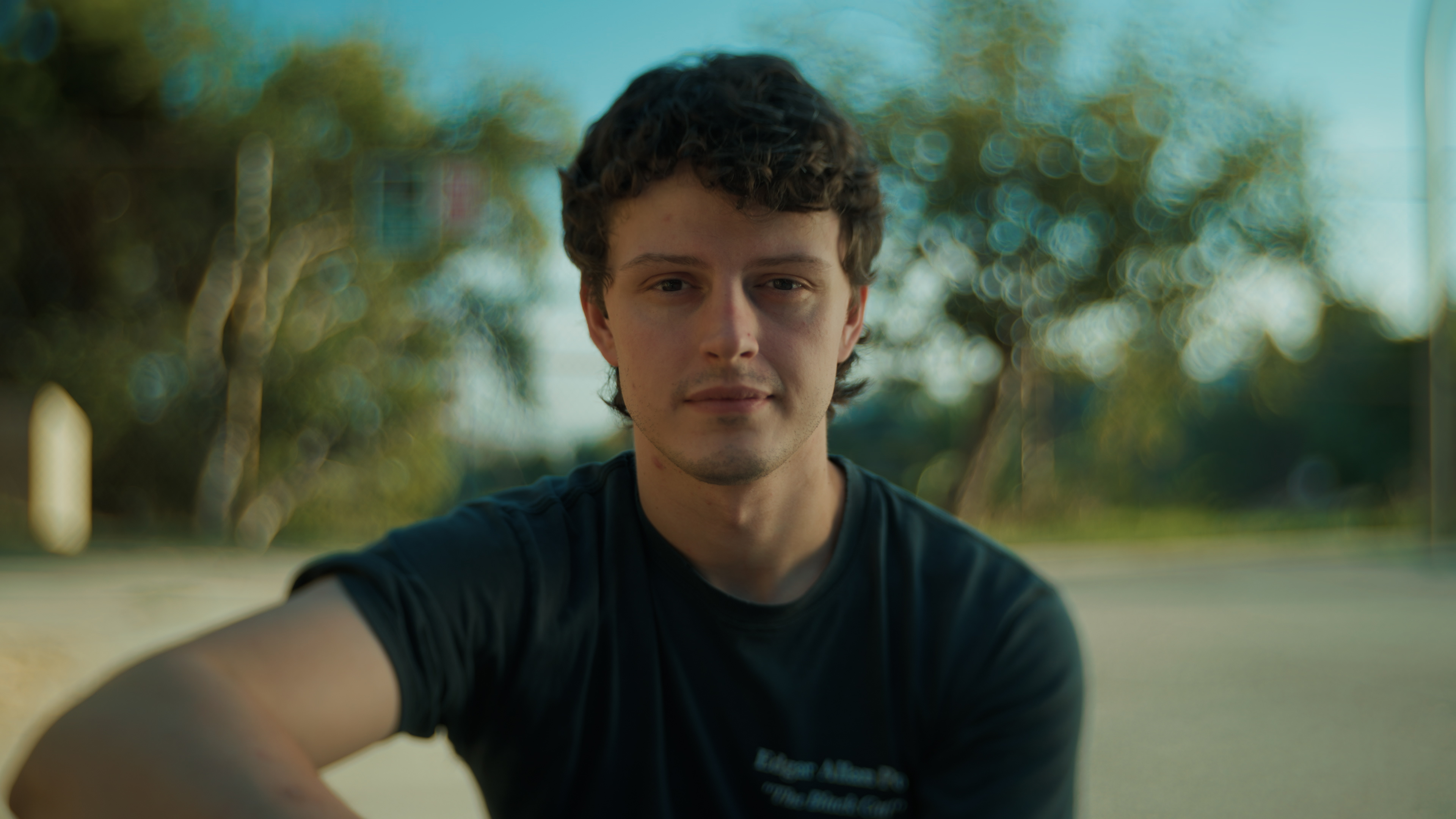
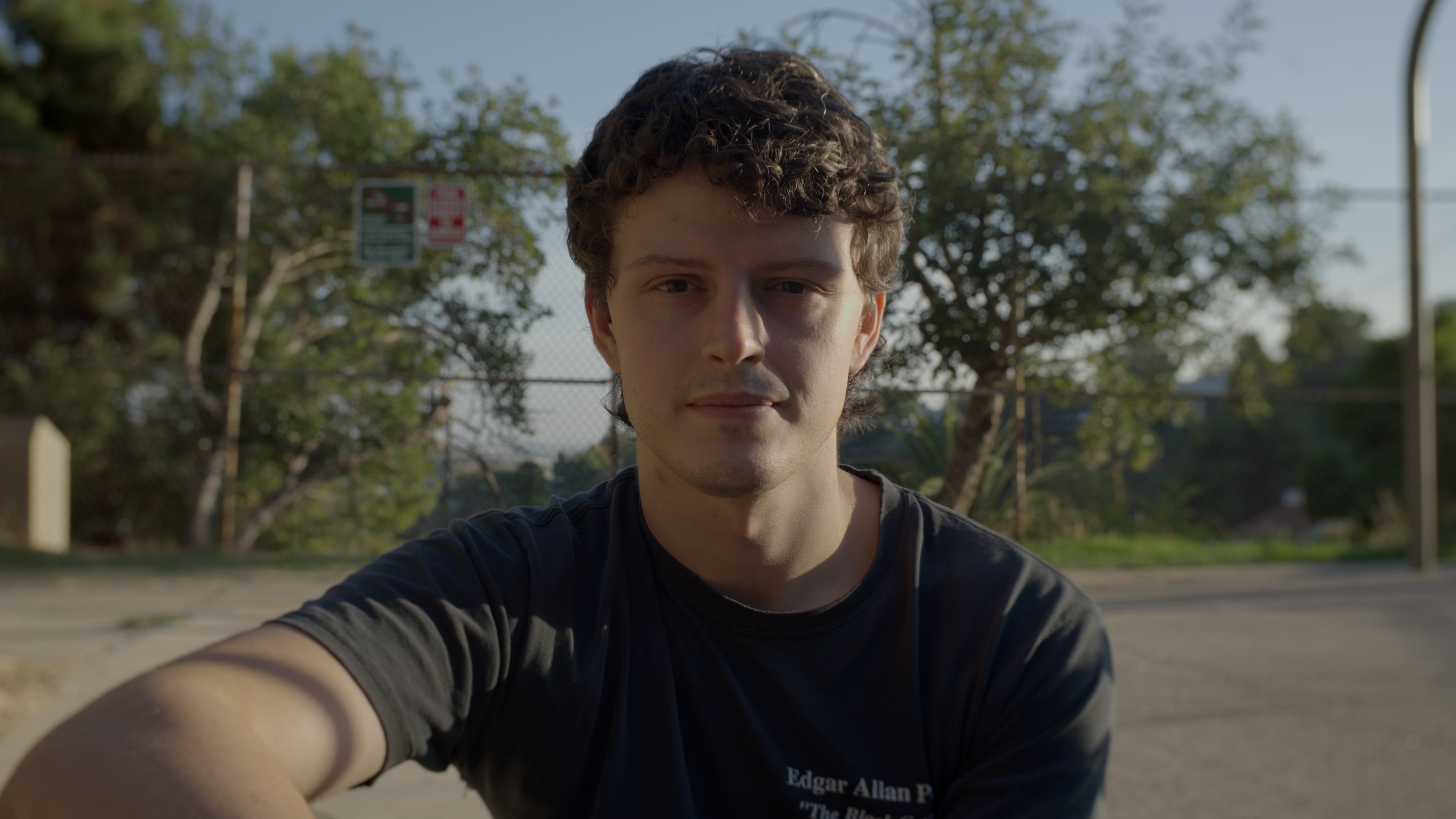
From: “It Looked Better In My Head”…
To: “That’s What I Was Trying To Make”
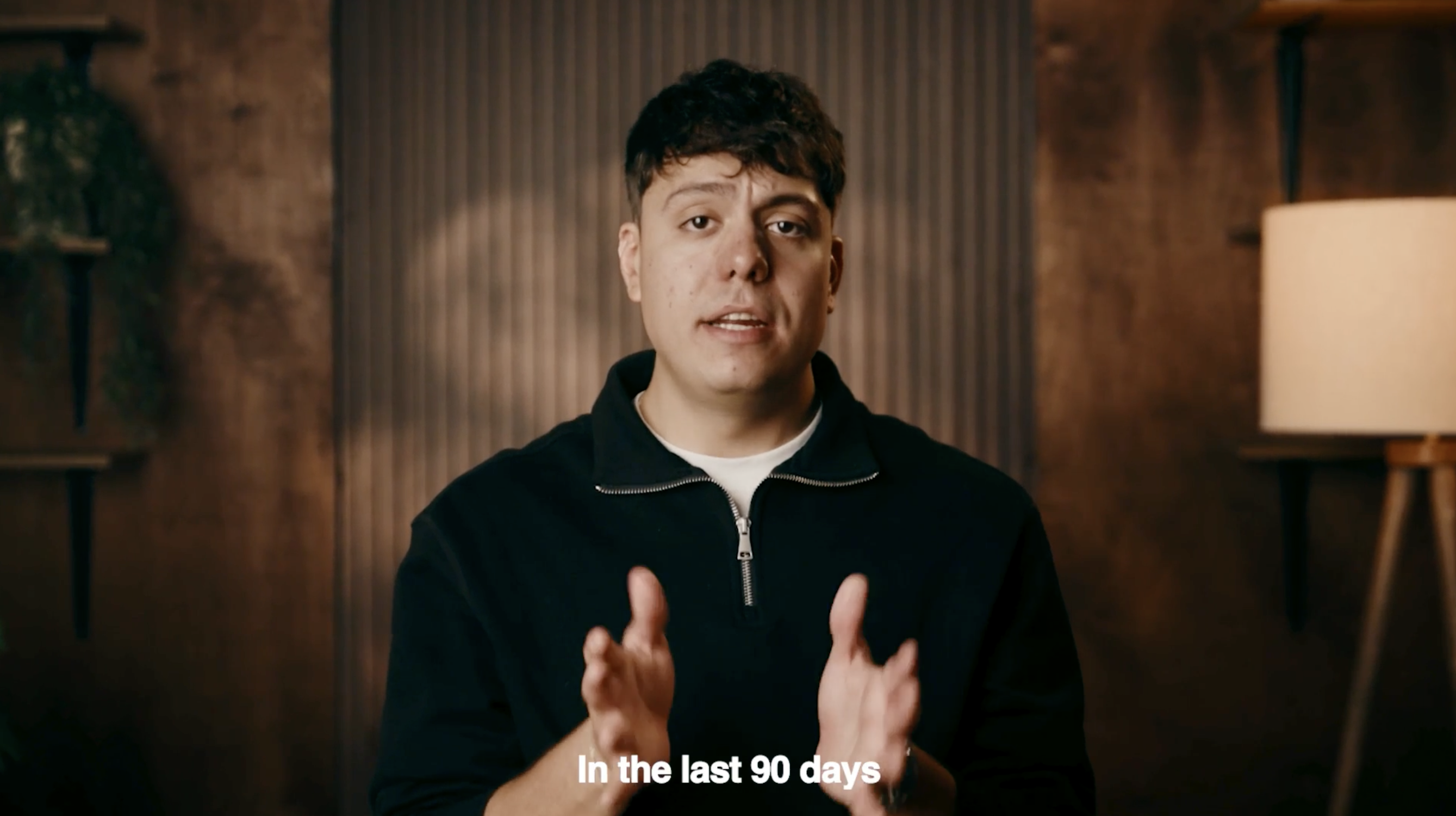
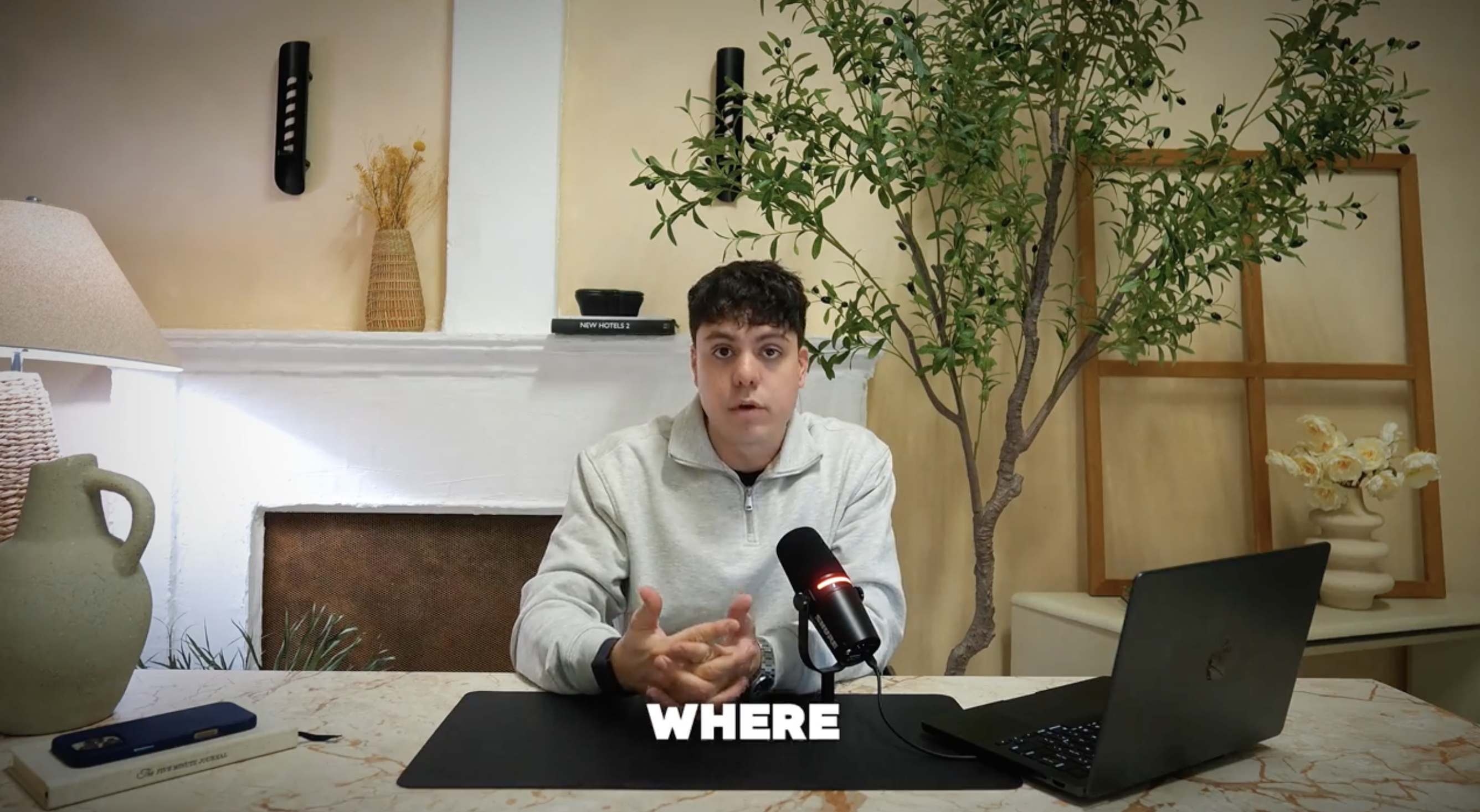
From: “I’m Not Posting This"...
To: “Wait YOU Made That?”
Every Cinematic Video Has The Same 3 Fundamentals
If you simply get those 3 fundamentals right, your content will look cinematic overnight, without having to worry about the “latest cool trick” or “revolutionary new camera”
And you’ll effortlessly transform your content…
From “It Looked Better In My Head”… To “That’s What I Was Trying To Make”
From “I’m Not Posting This”… To “Wait YOU Made That?”
That's Why I Made The Standout Social System…
A Beginner Friendly Fast Track To Easily Create
Cinematic Content - With Gear You Already Own
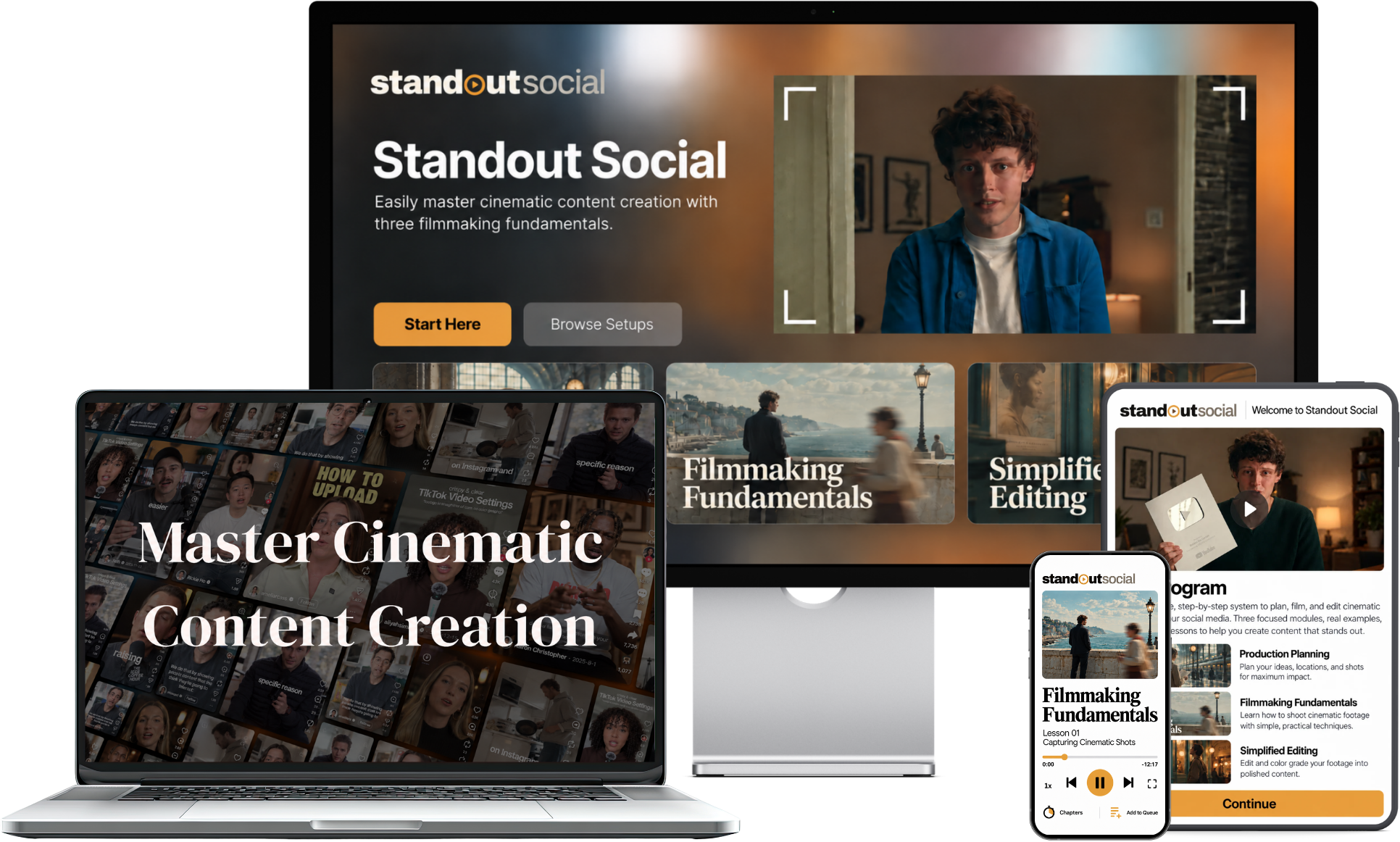
You’ll quickly learn how to create cinematic content without having to spend thousands on expensive gear or binge hours of confusing videos just to get started.
So you can create videos you’re proud to post, excited to show your friends, and that generate thousands of views, likes, and followers - no matter what platform you’re on.
Backed by our Standout Guarantee - if you’re not pleased,
within 30 days message us and we’ll return every penny.
Only $327.00 $17.00
Save $310.00 today
Here’s how it works in three simple steps:
Module 1
Production Planning
Instantly access the same “behind the scenes” process every professional creator, filmmaker, and cinematographer uses to make filming as effortless as possible
Module 2
Filmmaking Fundamentals
Learn the basics like how to use natural light, frame a great shot, and so much more - along with getting instant access to 3 copy and paste filming setups that work with whatever gear you already own.
Module 3
Simplified Editing
Easy-to-use editing fundamentals that show you how to cut your footage to the beat, fine-tune your colors, and layer in sound that brings your vision to life so you can confidently post cinematic content your proud to share
Backed by our Standout Guarantee - if you’re not pleased,
within 30 days message us and we’ll return every penny.
1. Production Planning:
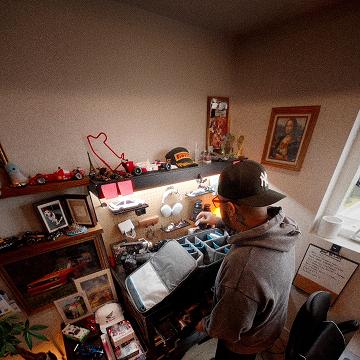
Instantly access the same “behind the scenes” process every professional creator, filmmaker, and cinematographer uses to make filming as effortless as possible
2. Filmmaking Fundamentals:
Learn the basics like how to use natural light, frame a great shot, and so much more - along with getting instant access to 3 copy and paste filming setups that work with whatever gear you already own.
3. Simplified Editing:
Easy-to-use editing fundamentals that show you how to cut your footage to the beat, fine-tune your colors, and layer in sound that brings your vision to life so you can confidently post cinematic content your proud to share
That's why I Made The Standout Social System…
A Beginner Friendly Fast Track To Easily Create Cinematic Content - With Gear You Already Own
You’ll quickly learn how to create cinematic content without having to spend thousands on expensive gear or binge hours of confusing videos just to get started.
So you can create videos you’re proud to post, excited to show your friends, and that generate thousands of views, likes, and followers - no matter what platform you’re on.
Backed by our Standout Guarantee - if you’re not pleased,
within 30 days message us and we’ll return every penny.
Here’s how it works in three simple steps:
01 Production Planning
Instantly access the same “behind the scenes” process every professional creator, filmmaker, and cinematographer uses to make filming as effortless as possible
02 Filmmaking Fundamentals
Learn the basics like how to use natural light, frame a great shot, and so much more - along with getting instant access to 3 copy and paste filming setups that work with whatever gear you already own.
03 Simplified Editing
Easy-to-use editing fundamentals that show you how to cut your footage to the beat, fine-tune your colors, and layer in sound that brings your vision to life so you can confidently post cinematic content your proud to share
Backed by our Standout Guarantee - if you’re not pleased,
within 30 days message us and we’ll return every penny.
Creators Using The
Standout Social System
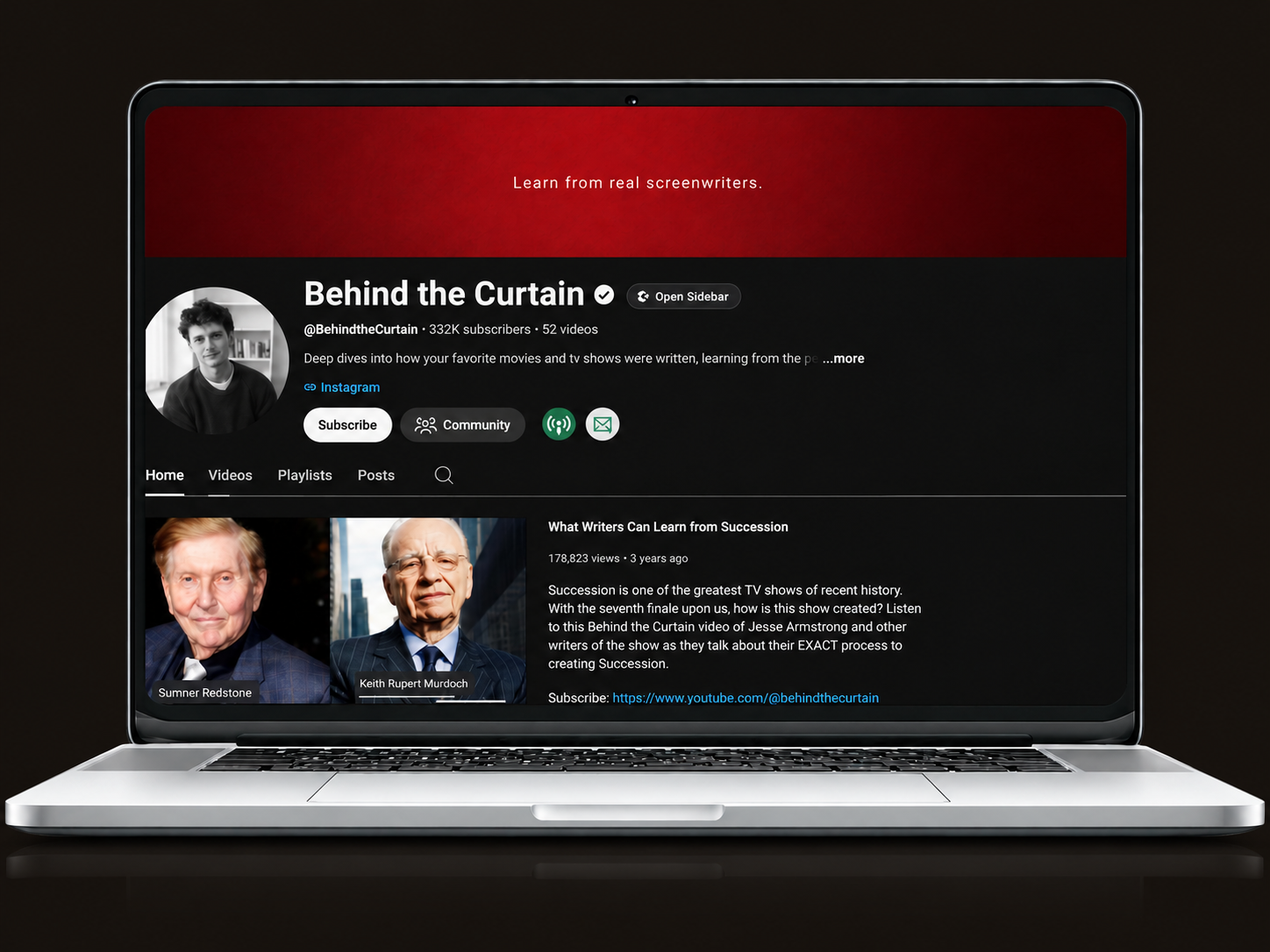
Behind The Curtain - 330k Subscribers
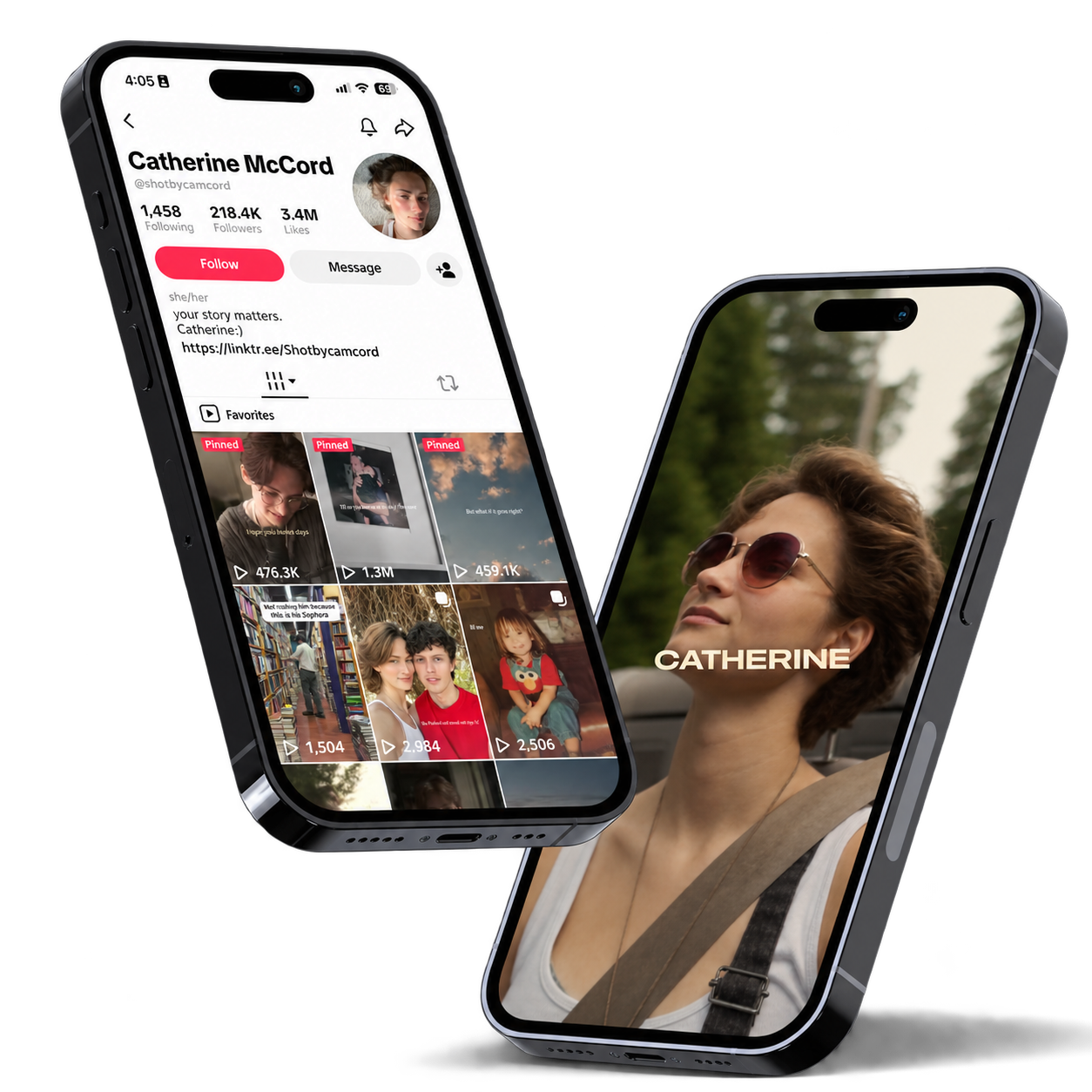
Cathrine McCord - 218k Followers
Backed by our Standout Guarantee - if you’re not pleased,
within 30 days message us and we’ll return every penny.
Creators Using The
Standout Social System
Behind The Curtain - 330k Subscribers
Cathrine McCord - 218k Followers
Backed by our Standout Guarantee - if you’re not pleased, within 30 days message us and we’ll return every penny.
A Look At Everything Inside
The Standout Social System
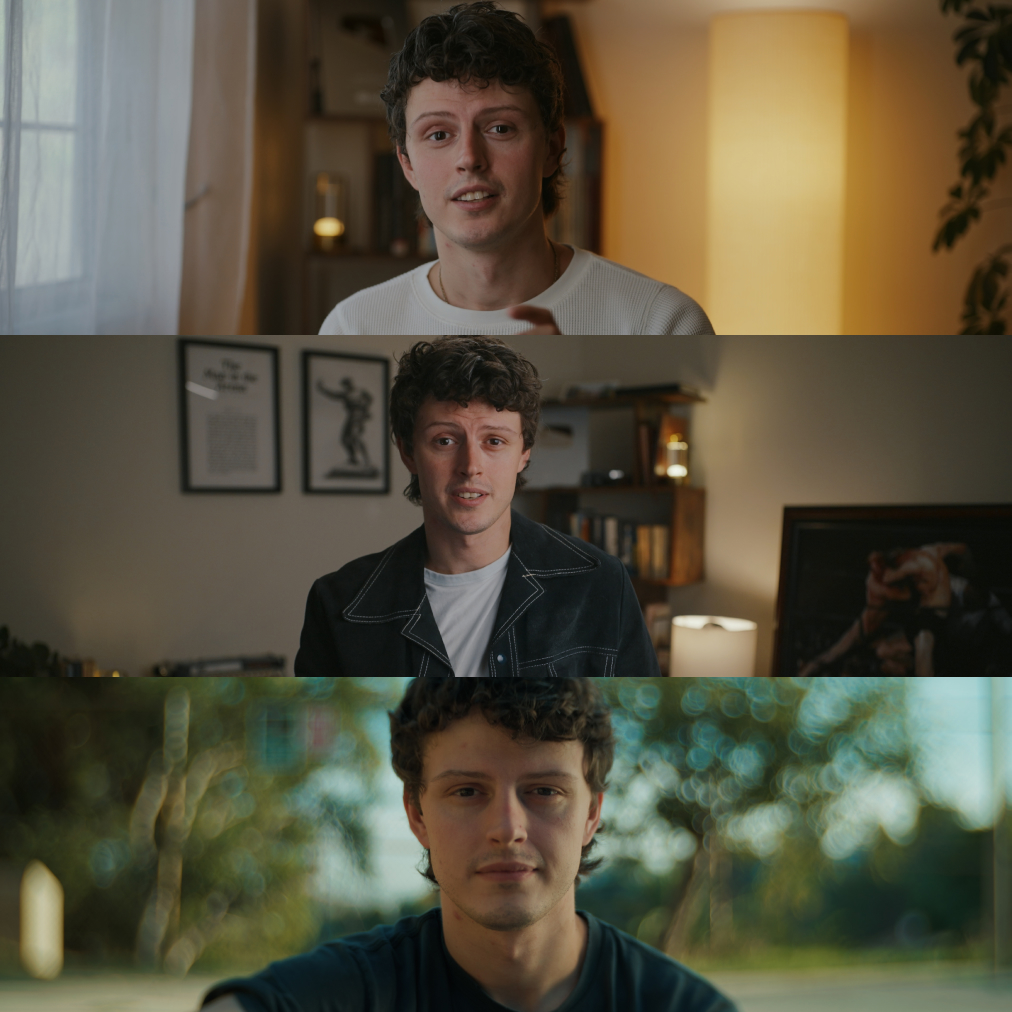
3 Copy & Paste Filming Setups
You Can Use Instantly Transform Any Location Into A Hollywood Level Production In Less Than 15 Minutes
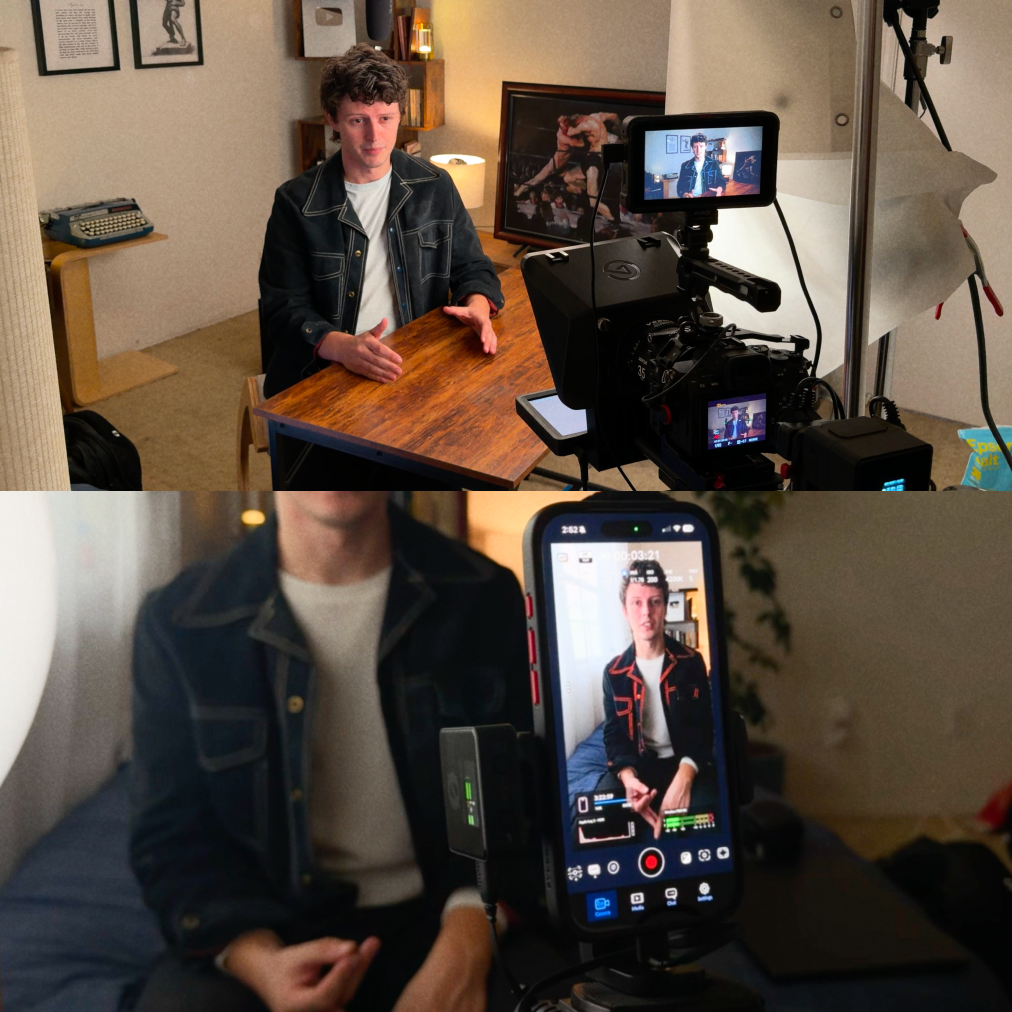
2 Level Production System
That Allows Anyone (No Matter What Gear They Own) To Easily Create Cinematic Standout Content - Without Investing Thousands In New Equipment Or Wasting Hours Mindlessly Editing Videos
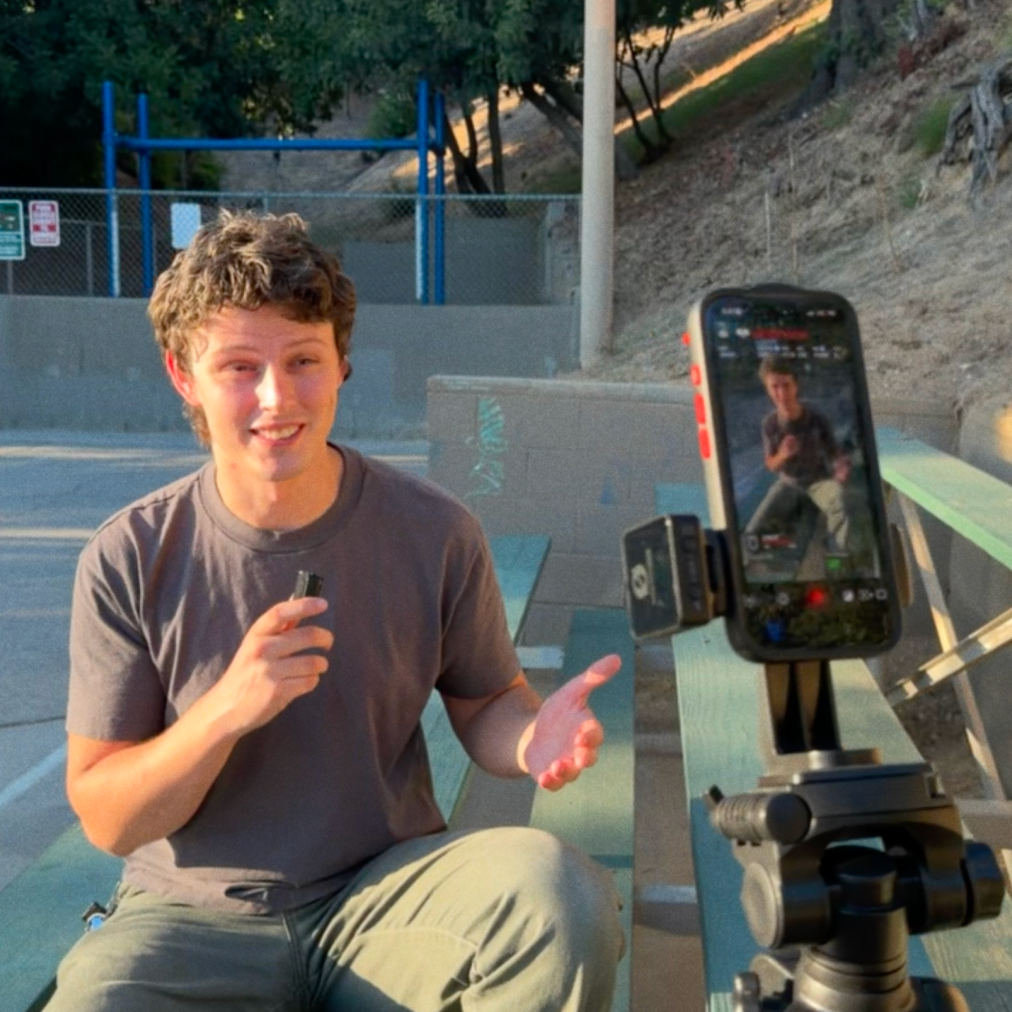
Fast Setup Guide
Perfect Each Shot With The “Fast Setup Guide” Guaranteeing Your Content Looks Exactly How You’ve Pictured It In Your Head (While Saving You From Tediously Second Guessing Your Work Afterwards)
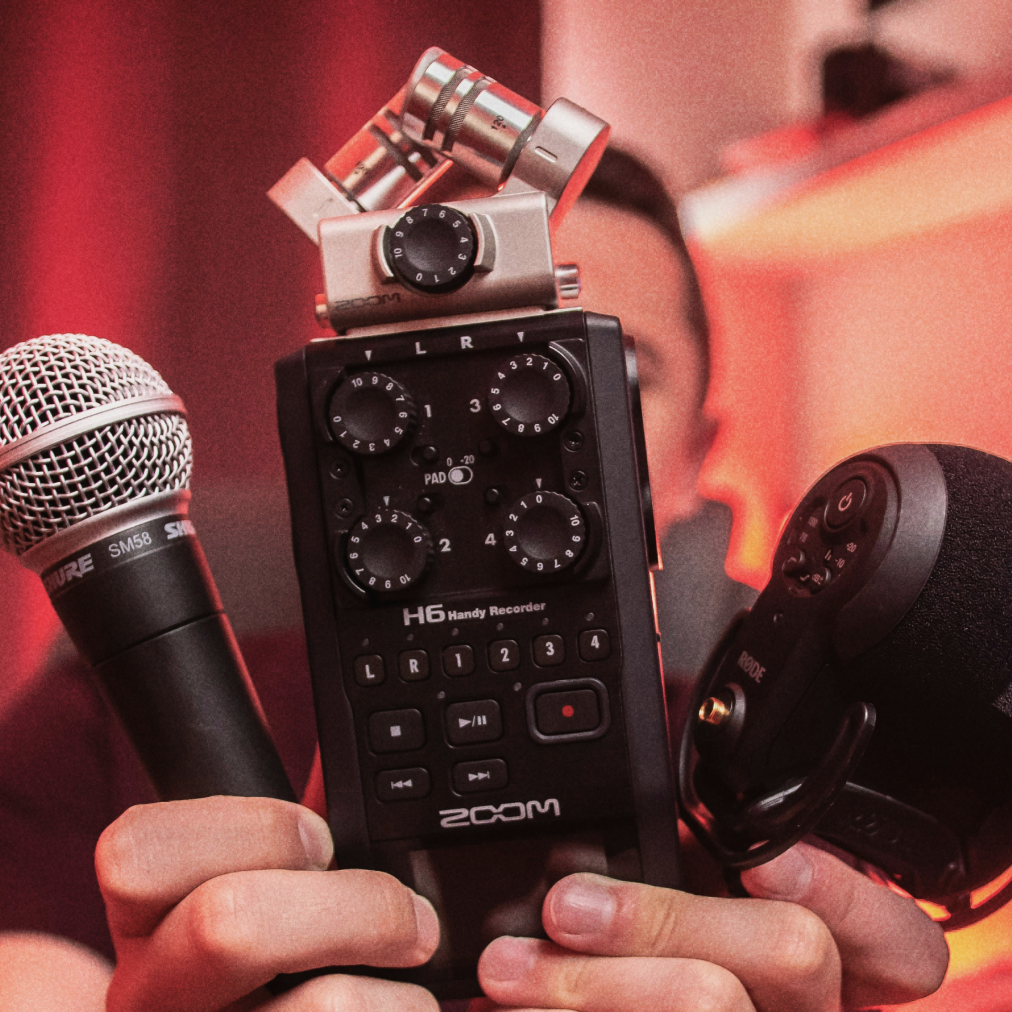
Professional Audio Checklist
I’ve Included The “Pro Audio Checklist” I Use For High Pressure Commercial Productions So You Can Sound Natural On Camera While Avoiding 100’s Of Retakes
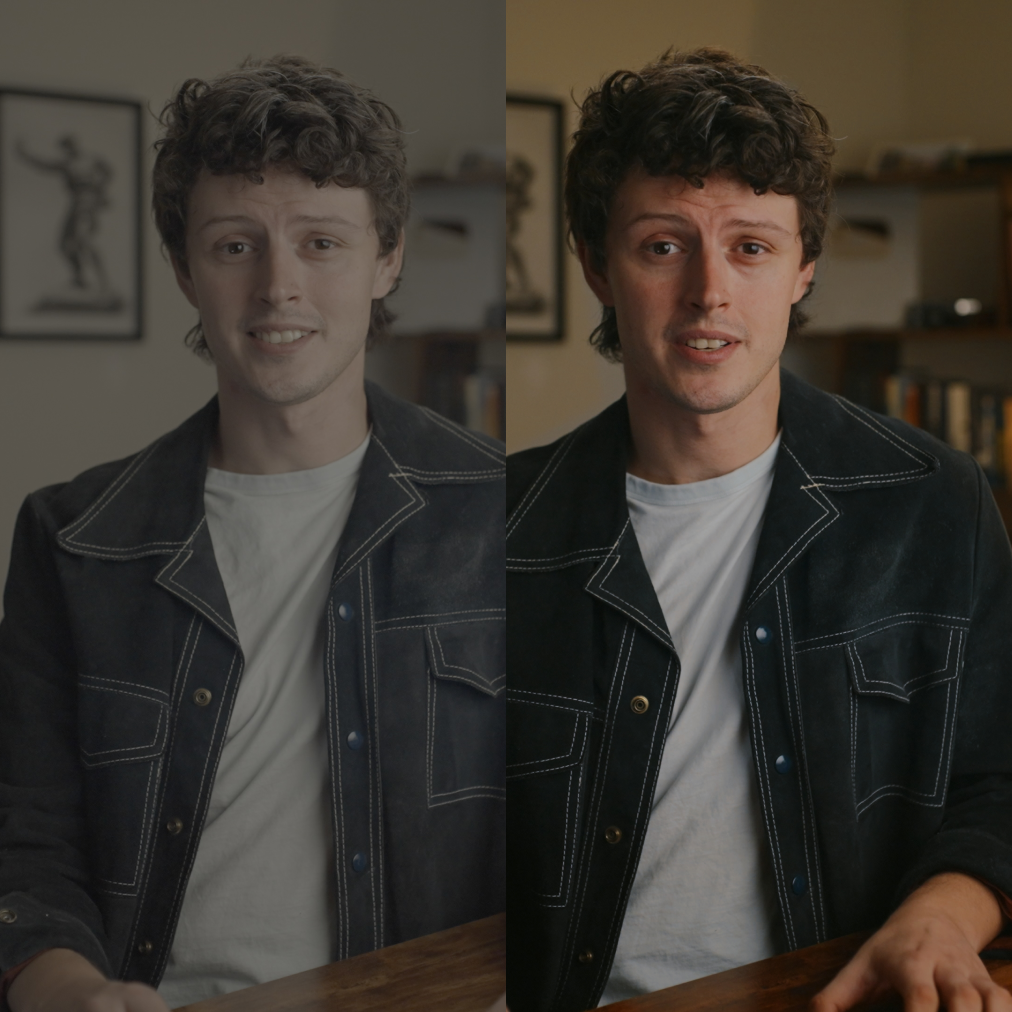
Cinematic Graphics
“Cinematic Graphics” You Can Use To Sweeten The Titles, Overlays And Color Giving Every Video You Create That Cinematic Cherry On Top
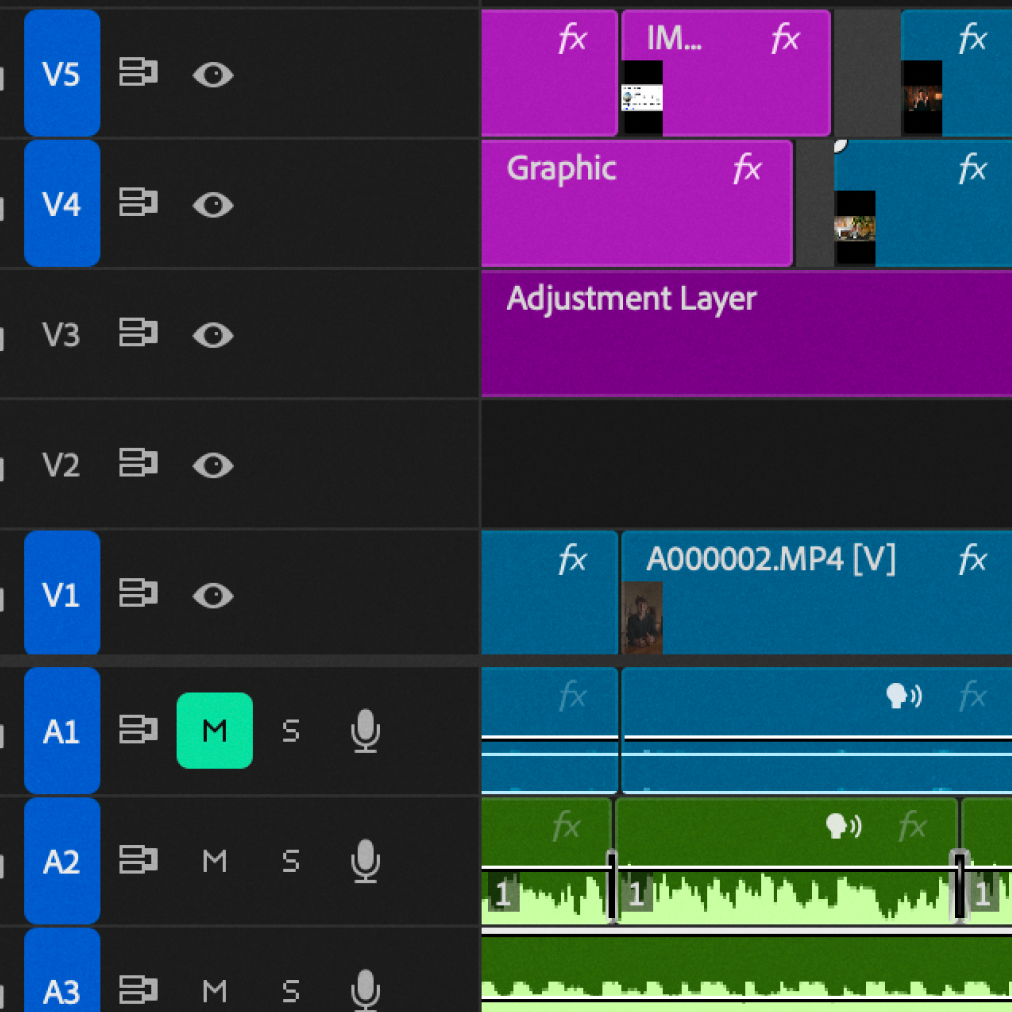
Automated Editing Workflows
Automated Editing Workflows To Eliminate The Tedious Parts (Like Cutting Filler Words and Retakes) Allowing You To Only Focus On The Enjoyable Creative Parts That Matter
Backed by our Standout Guarantee - if you’re not pleased,
within 30 days message us and we’ll return every penny.
Everything Inside The Standout Social System
3 Copy & Paste Filming Setups:
You Can Use Instantly Transform Any Location Into A Hollywood Level Production In Less Than 15 Minutes
2 Level Production System:
That Allows Anyone (No Matter What Gear They Own) To Easily Create Cinematic Standout Content - Without Investing Thousands In New Equipment Or Wasting Hours Mindlessly Editing Videos
Fast Setup Guide:
Perfect Each Shot With The “Fast Setup Guide” Guaranteeing Your Content Looks Exactly How You’ve Pictured It In Your Head (While Saving You From Tediously Second Guessing Your Work Afterwards)
Professional Audio Checklist:
I’ve Included The “Pro Audio Checklist” I Use For High Pressure Commercial Productions So You Can Sound Natural On Camera While Avoiding 100’s Of Retakes
Cinematic Graphics:
“Cinematic Graphics” You Can Use To Sweeten The Titles, Overlays And Color Giving Every Video You Create That Cinematic Cherry On Top
Automated Editing Workflows:
Automated Editing Workflows To Eliminate The Tedious Parts (Like Cutting Filler Words and Retakes) Allowing You To Only Focus On The Enjoyable Creative Parts That Matter
Backed by our Standout Guarantee - if you’re not pleased, within 30 days message us and we’ll return every penny.
More Content Created With
The Standout Social System
Content Created With The Standout Social System
Get 3 Limited Time Bonuses
To Make Creating Cinematic
Content Faster And Easier
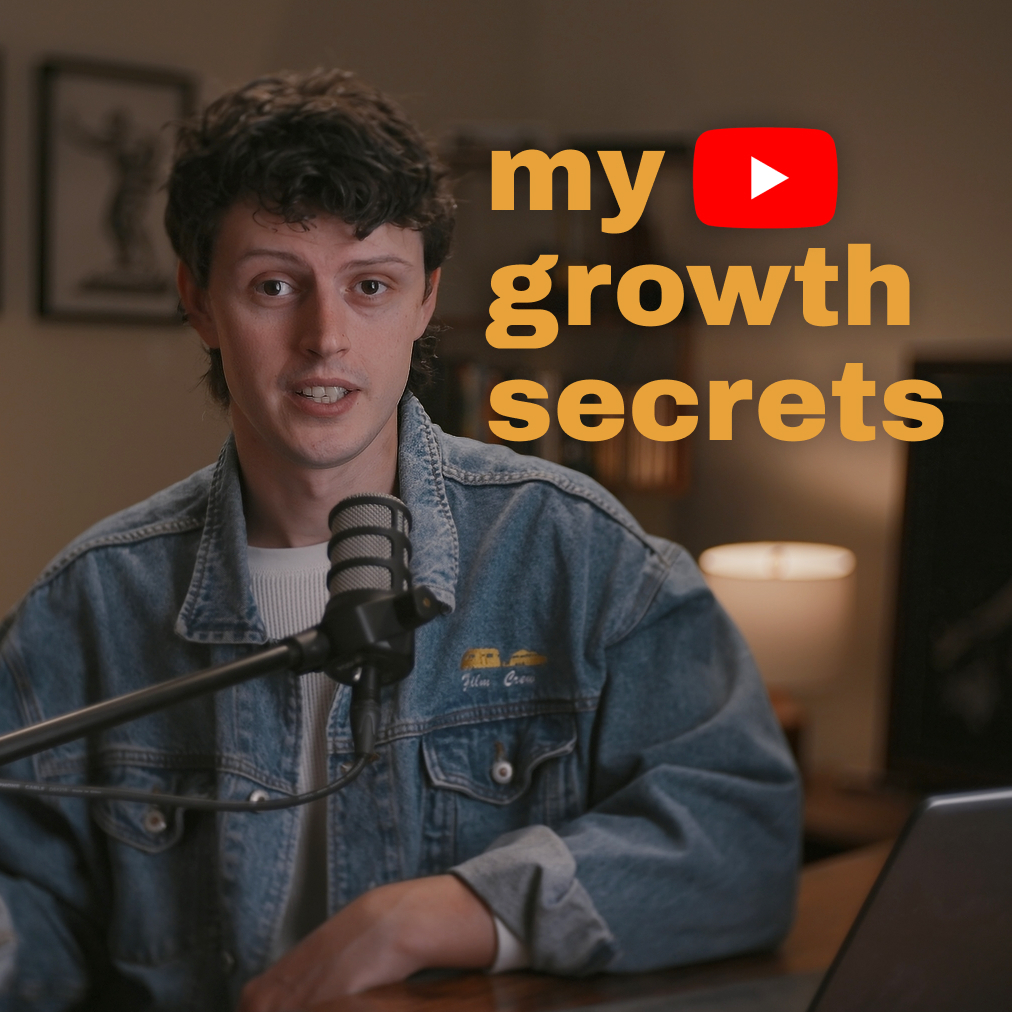
Bonus #1
Behind The Scenes Of A 330k Youtube Chanel
Behind The Scenes Of The Youtube Channel I Grew To 330,000 Subscribers In Just A Few Years - Revealing The Small (But Crucial) Details That Keep Most Creators Stuck When Posting Online
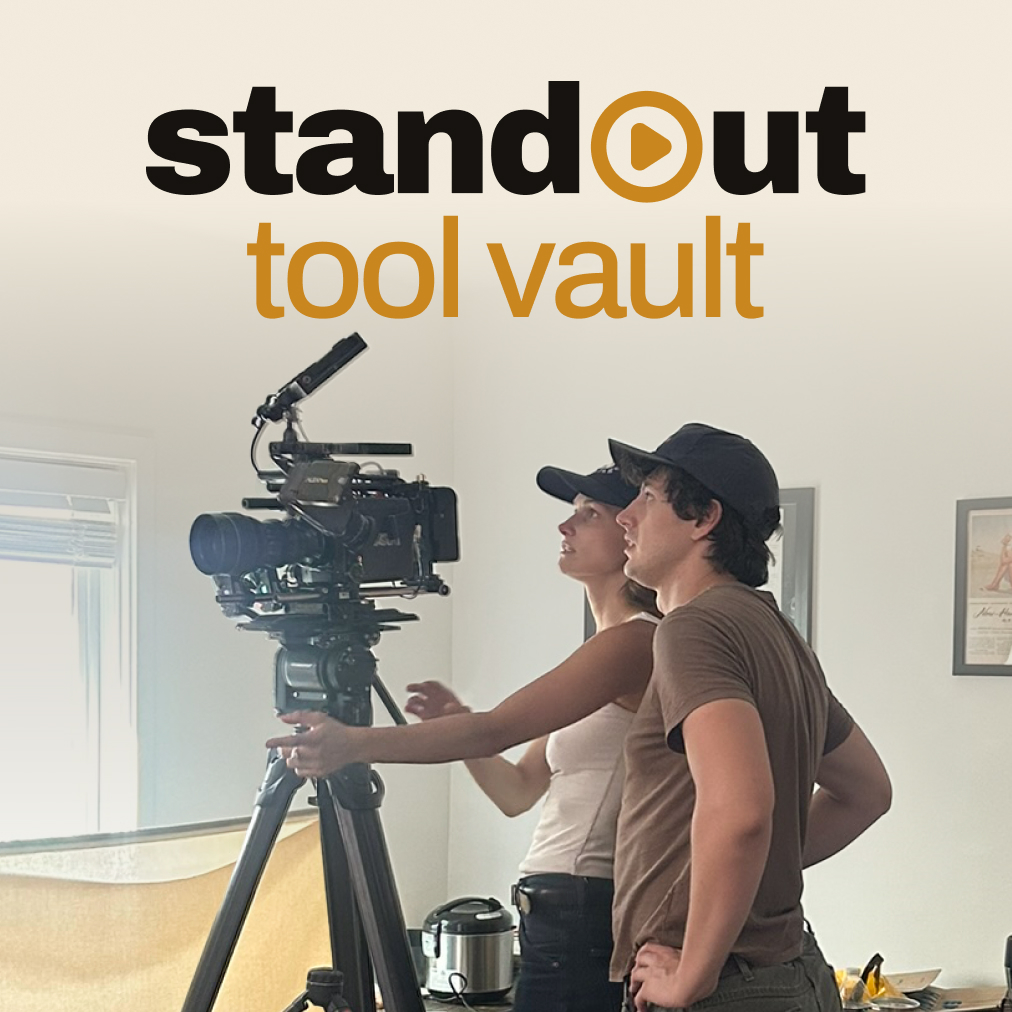
Bonus #2
The Cinematic Creator Tool Vault
Automated Editing Workflows To Eliminate The Tedious Parts (Like Cutting Filler Words and Retakes) Allowing You To Only Focus On The Enjoyable Creative Parts That Matter
Bonus #3
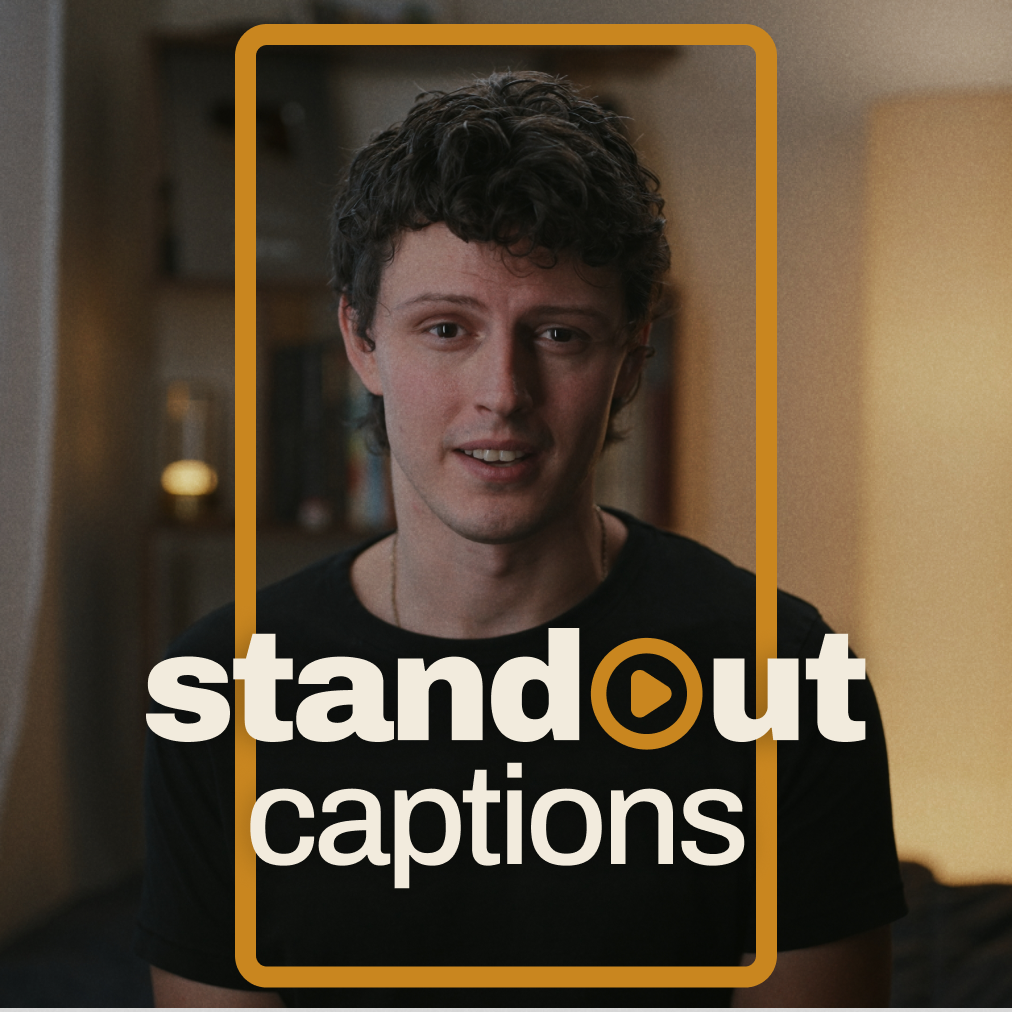
Standout Caption Secrets
A Simple Process For Creating High-Quality Captions That Standout On Any Social Media Platform Giving Your Content Yet Another Cinematic Edge
Bonus #1: Behind The Scenes Of A 330k Youtube Chanel
Behind The Scenes Of The Youtube Channel I Grew To 330,000 Subscribers In Just A Few Years - Revealing The Small (But Crucial) Details That Keep Most Creators Stuck When Posting Online
Bonus #2: The Cinematic Creator Tool Vault
10 Tools That Make Creating Cinematic Content 10 Times Easier - While Eliminating Tedious Manual Work
Bonus #3: Standout Caption Secrets
A Simple Process For Creating High-Quality Captions That Standout On Any Social Media Platform Giving Your Content Yet Another Cinematic Edge
Backed by our Standout Guarantee - if you’re not pleased,
within 30 days message us and we’ll return every penny.
3 Limited Time Bonuses To Make Creating Cinematic Content Faster And Easier
Bonus #1: Behind The Scenes Of A 330k Youtube Chanel
Behind The Scenes Of The Youtube Channel I Grew To 330,000 Subscribers In Just A Few Years - Revealing The Small (But Crucial) Details That Keep Most Creators Stuck When Posting Online
Bonus #2: The Cinematic Creator Tool Vault
10 Tools That Make Creating Cinematic Content 10 Times Easier - While Eliminating Tedious Manual Work
Bonus #3: Standout Caption Secrets
A Simple Process For Creating High-Quality Captions That Standout On Any Social Media Platform Giving Your Content Yet Another Cinematic Edge
Backed by our Standout Guarantee - if you’re not pleased,
within 30 days message us and we’ll return every penny.
Meet Nehemiah Jordan
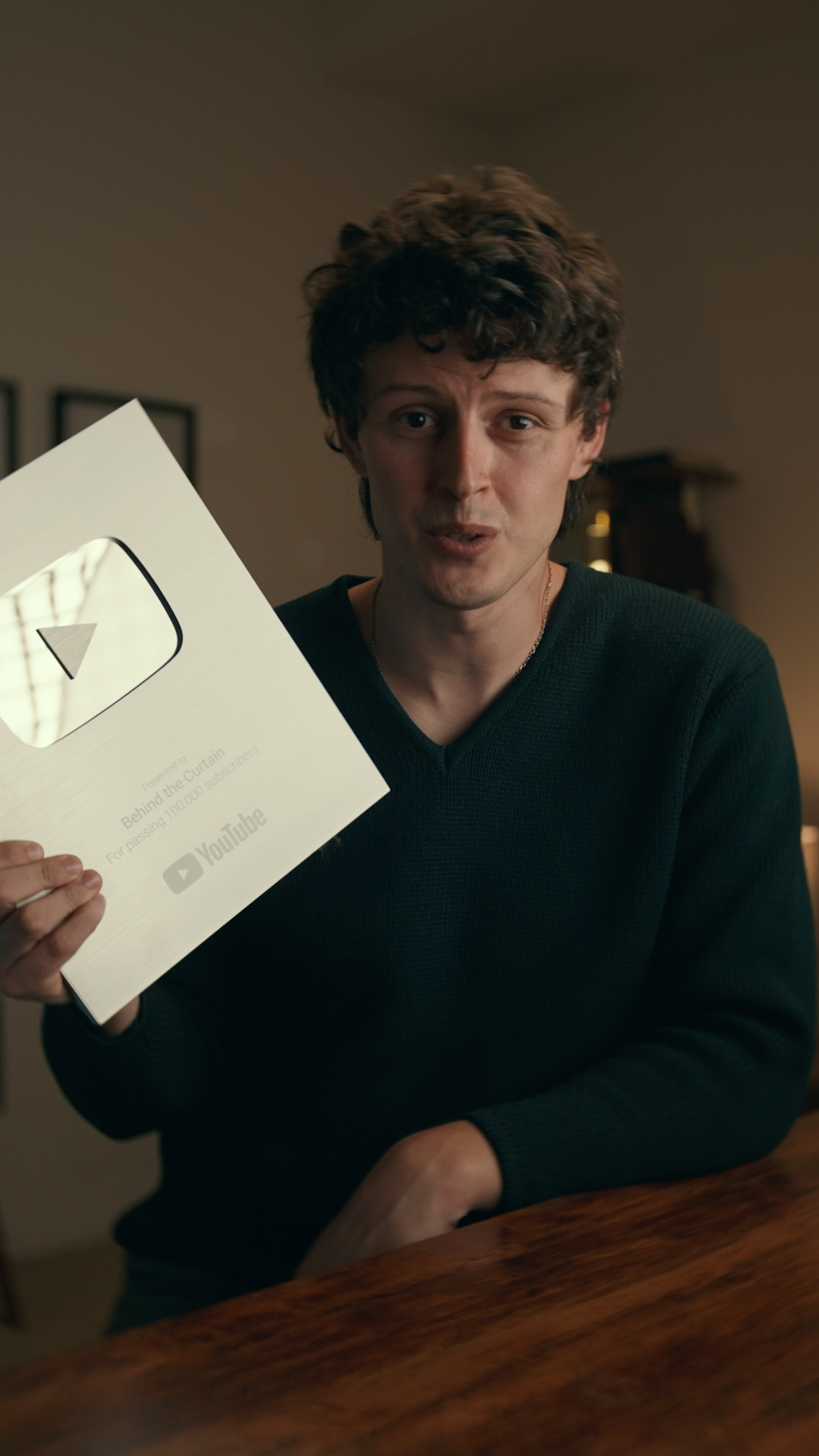
After spending years on both sides of the content game, growing my own YouTube channel to over 330,000 subscribers and working behind the scenes to generate millions of views and millions in revenue through paid advertising.
I’ve seen what it takes to create cinematic content and I know how good it feels when something you made starts getting watched, shared, and bringing new people to your channel.
Which means I've already done the trial and error for you and that’s why I created Standout Social.
To take everything I learned from years of creating content and turn it into the shortcut I wish I had when I started.
After spending years on both sides of the content game, growing my own YouTube channel to over 330,000 subscribers and working behind the scenes to generate millions of views and millions in revenue through paid advertising.
I’ve seen what it takes to create cinematic content and I know how good it feels when something you made starts getting watched, shared, and bringing new people to your channel.
Which means I've already done the trial and error for you and that’s why I created Standout Social.
To take everything I learned from years of creating content and turn it into the shortcut I wish I had when I started.
Meet Nehemiah Jordan
After spending years on both sides of the content game, growing my own YouTube channel to over 330,000 subscribers and working behind the scenes to generate millions of views and millions in revenue through paid advertising.
I’ve seen what it takes to create cinematic content and I know how good it feels when something you made starts getting watched, shared, and bringing new people to your channel.
Which means I've already done the trial and error for you and that’s why I created Standout Social.
To take everything I learned from years of creating content and turn it into the shortcut I wish I had when I started.
Congrats! You Made It To
The Bottom, Do You...
Watch your favorite creators and think, “I wish I could make videos that look like THAT"
Have a vision in your head but every time you record, the footage looks nothing like you imagined?
Tried tutorials, LUTs, or better gear… but still can’t get that cinematic look you’re after?
Want someone to show you how to plan, film, and edit in a way that actually makes sense?
Want to create great-looking content with the gear you already own… even if it’s just your phone?
Want to finally finish a vlog, short, or YouTube video and be proud to show people what you made?
If you answered yes to any of those questions then you NEED the Standout Social System
If you answered yes to any of those questions then you NEED the Standout Social System
Backed by our Standout Guarantee - if you’re not pleased,
within 30 days message us and we’ll return every penny.
Congrats! You Made It To
The Bottom, Do You...
Watch your favorite creators and think, “I wish I could make videos that look like THAT"
Have a vision in your head but every time you record, the footage looks nothing like you imagined?
Tried tutorials, LUTs, or better gear… but still can’t get that cinematic look you’re after?
Want someone to show you how to plan, film, and edit in a way that actually makes sense?
Want to create great-looking content with the gear you already own… even if it’s just your phone?
Want to finally finish a vlog, short, or YouTube video and be proud to show people what you made?
If you answered yes to any of those questions then you NEED the Standout Social System
Backed by our Standout Guarantee - if you’re not pleased,
within 30 days message us and we’ll return every penny.
Commonly Asked Questions
Will This Work With Gear I Already Have?
Yes. The planning, filmmaking, and editing fundamentals apply whether you’re using a phone or a camera. Plus, each of the 3 copy & paste filming setups comes with 2 gear levels. Just pick the version that matches what you already own.
What If I Only Have A Phone?
That’s completely fine. Every filming setup includes a phone version using the environment around you. You can still learn how to plan your video, use light, frame your shots, and bring everything together in the edit without owning a fancy camera.
Is This Only For Beginners?
Standout Social is designed to be beginner-friendly, so you can follow along even if you barely know where to start. But if you’ve already tried creating content, bought gear, or watched tutorials and still can’t get that cinematic look… the system helps you focus on the fundamentals you may have missed.
Do I Need To Know How To Edit?
No. We’ll walk you through a simplified editing process, including cutting to music, adjusting colors and exposure, and using sound to bring your video to life. Plus, you’ll get workflows that simplify repetitive tasks like removing filler words and bad takes, so you can focus on the creative parts.
How Much Time Will Creating Take?
That depends on the video you want to make. A short reel and a full YouTube vlog will naturally take different amounts of time. The goal is to cut out the hours lost guessing, reshooting, and overcomplicating the edit with a 5-minute planning process and filming setups you can recreate in less than 15 minutes.
What Kind Of Content Can I Create?
Vlogs, short-form reels, YouTube videos, personal-brand content… or simply something cool you’ve wanted to make as a creative outlet. The fundamentals apply across niches and content styles, so you can use them to bring your own ideas to life.
Commonly Asked Questions
Will This Work With Gear I Already Have?
Yes. The planning, filmmaking, and editing fundamentals apply whether you’re using a phone or a camera. Plus, each of the 3 copy & paste filming setups comes with 2 gear levels. Just pick the version that matches what you already own.
What If I Only Have A Phone?
That’s completely fine. Every filming setup includes a phone version using the environment around you. You can still learn how to plan your video, use light, frame your shots, and bring everything together in the edit without owning a fancy camera.
Is This Only For Beginners?
Standout Social is designed to be beginner-friendly, so you can follow along even if you barely know where to start. But if you’ve already tried creating content, bought gear, or watched tutorials and still can’t get that cinematic look… the system helps you focus on the fundamentals you may have missed.
Do I Need To Know How To Edit?
No. We’ll walk you through a simplified editing process, including cutting to music, adjusting colors and exposure, and using sound to bring your video to life. Plus, you’ll get workflows that simplify repetitive tasks like removing filler words and bad takes, so you can focus on the creative parts.
How Much Time Will Creating Take?
That depends on the video you want to make. A short reel and a full YouTube vlog will naturally take different amounts of time. The goal is to cut out the hours lost guessing, reshooting, and overcomplicating the edit with a 5-minute planning process and filming setups you can recreate in less than 15 minutes.
What Kind Of Content Can I Create?
Vlogs, short-form reels, YouTube videos, personal-brand content… or simply something cool you’ve wanted to make as a creative outlet. The fundamentals apply across niches and content styles, so you can use them to bring your own ideas to life.
Backed by our Standout Guarantee - if you’re not pleased,
within 30 days message us and we’ll return every penny.
This site is not a part of the Facebook website or Facebook Inc. Additionally, This site is NOT endorsed by Facebook in any way. FACEBOOK is a trademark of FACEBOOK, Inc.